
Agent Project Manager
PrivatePrivacy-first project management extension for Cursor/VS Code with MCP integration
About This Project
Agent Project Manager (APM) is a VS Code/Cursor extension that brings project management directly into your IDE. Unlike cloud-based tools, APM stores everything locally in your workspace - no accounts, no subscriptions, no data leaving your machine.
Built with MCP (Model Context Protocol) integration, APM works seamlessly with AI coding assistants like Claude Code. Your AI can read tasks, update statuses, and help you plan work - all while respecting your privacy.
This is a private extension available on request. If you're interested in using APM for your team or project, get in touch.
Screenshots
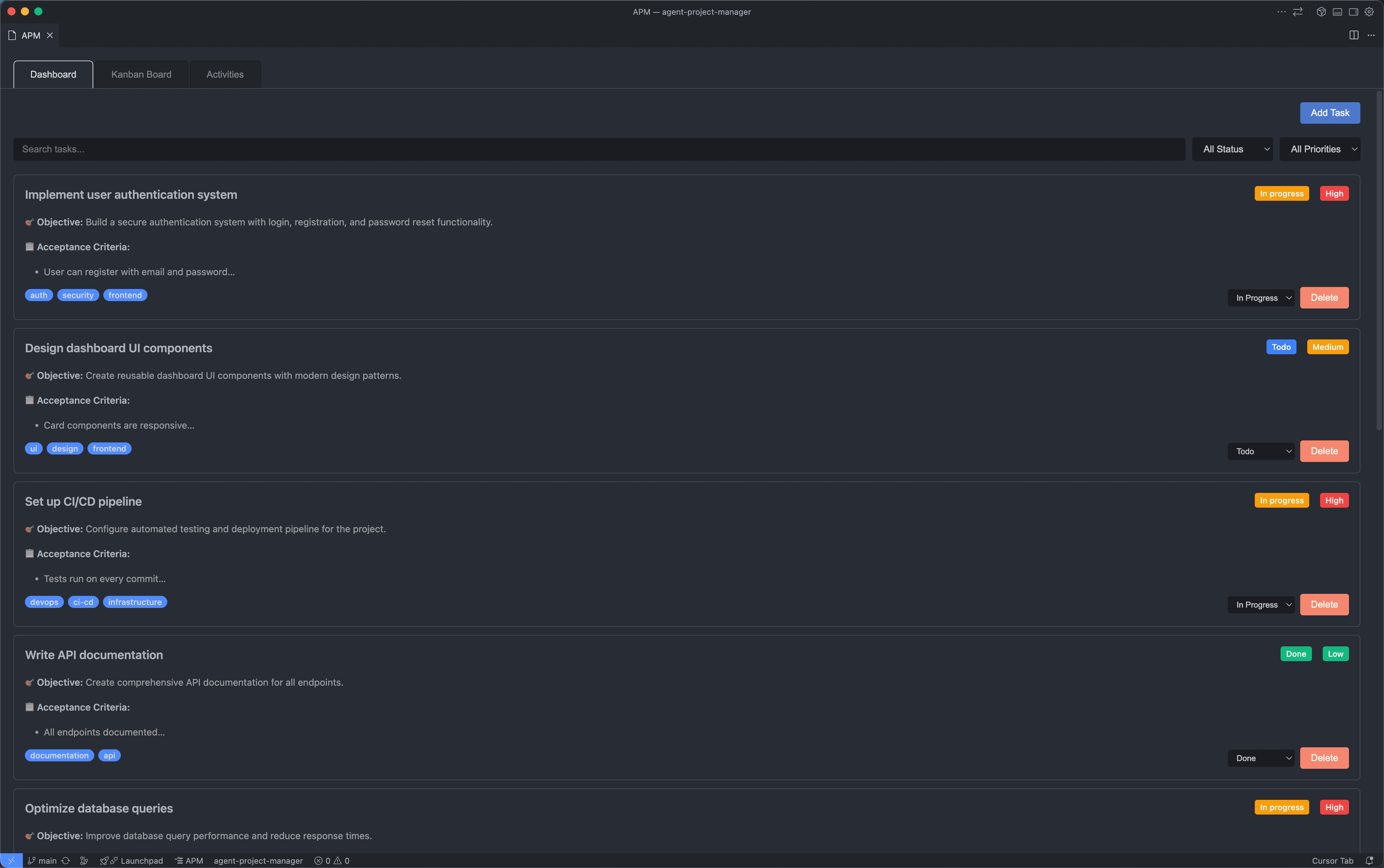
Dashboard View
Task cards with objectives, acceptance criteria, tags, and priority badges
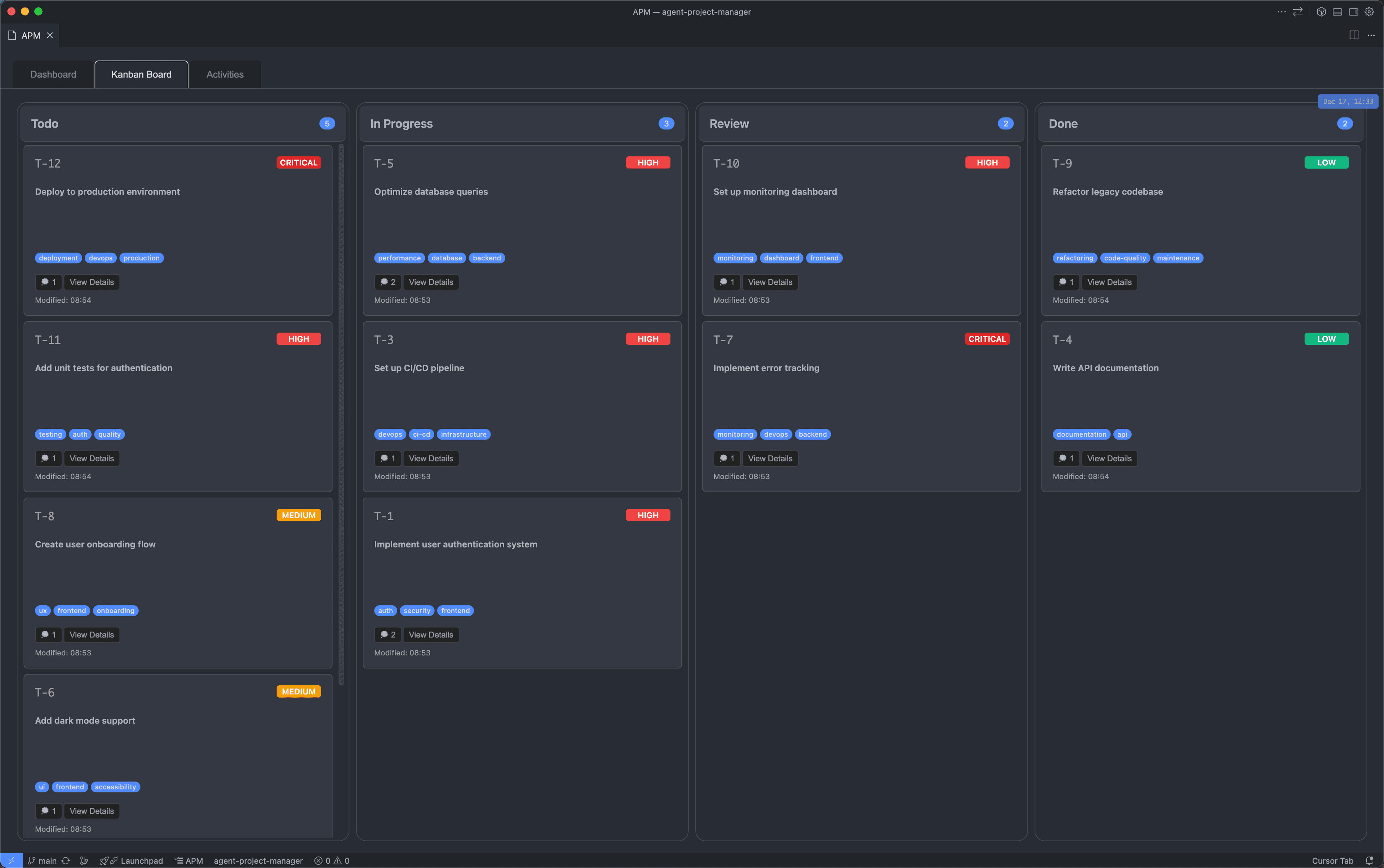
Kanban Board
Visual workflow with drag-and-drop task management
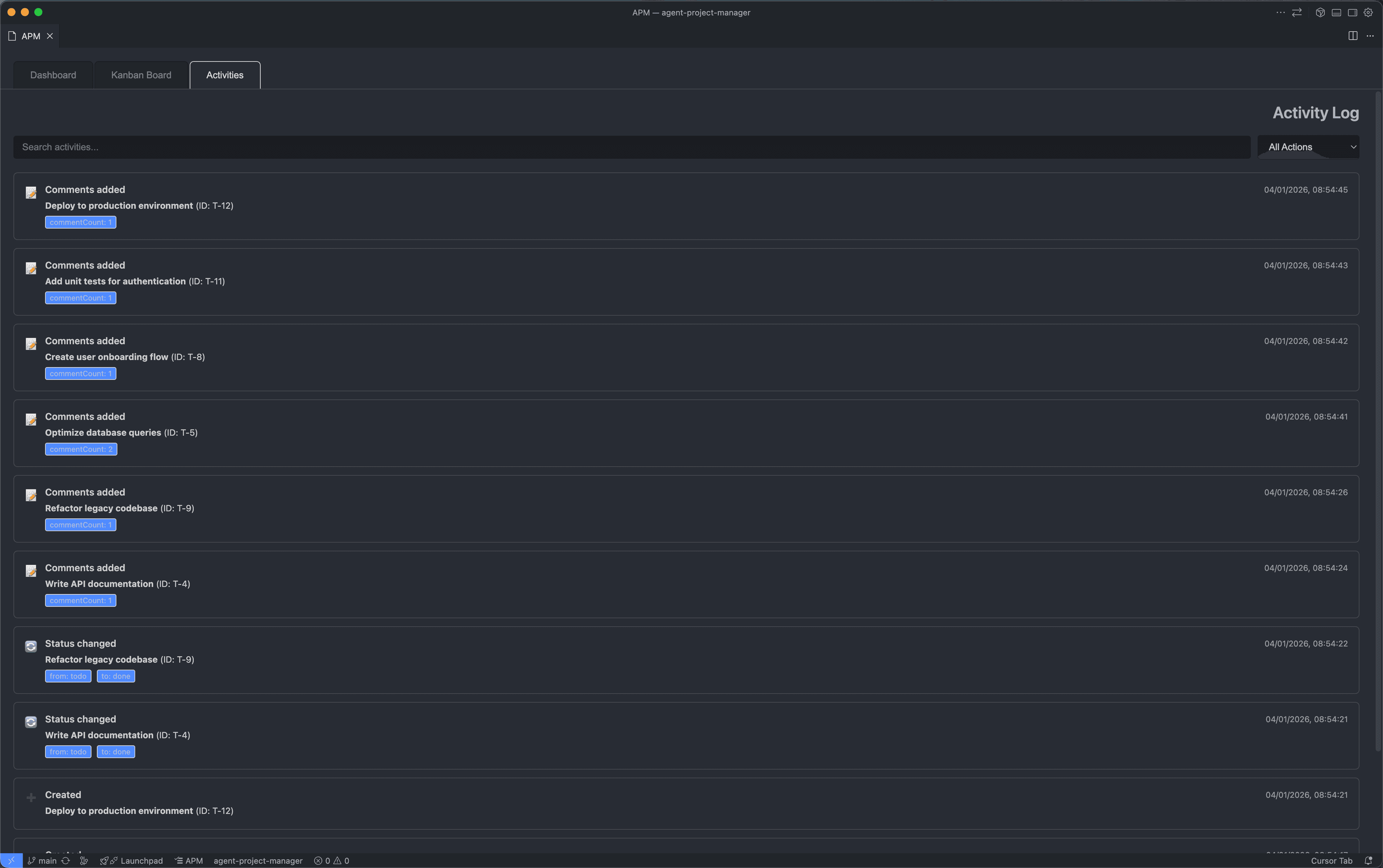
Activity Log
Full audit trail with comments, status changes, and timestamps
Key Features
Privacy-First Architecture
All data stored locally in your workspace. No cloud, no accounts, no data leaving your machine.
MCP Protocol Integration
Seamlessly works with Claude Code and other AI agents through the Model Context Protocol.
Dashboard View
Task cards with objectives, acceptance criteria, tags, status badges, and priority levels.
Kanban Board
Drag-and-drop task management with customizable columns and visual workflow.
Activity Log
Track all changes, comments, and status updates with timestamps for full audit trail.
Markdown Architecture
Tasks stored as readable markdown files - inspect, edit, or version control them directly.
Tech Stack
Interested in APM?
This extension is currently private. If you'd like to use it for your team or learn more about how it works, let's talk.
Request Access